

Elliot Ward · Casino content specialist
Put the Full Moonbet Account on Your Home Screen Without a Store Install
On this page
Moonbet runs in current mobile browsers on iPhone and Android. The same account gives you the casino lobby, cashier, rewards, transaction history and support without creating a second mobile profile. A home-screen shortcut can make the site open like an app while keeping updates on the web side. The Moonbet Casino Australia overview covers the games and cashier available through that account.
iPhone Setup Through Safari
- 1Open Moonbet in Safari.
- 2Sign in or reconnect your wallet.
- 3Tap the Share icon.
- 4Choose Add to Home Screen.
- 5Confirm the name and icon.
- 6Launch the shortcut and check that the address is correct.
- 7Approve wallet requests only inside the wallet application.
Android Setup Through Chrome
- 1Open the site in Chrome.
- 2Use the browser menu.
- 3Select Add to Home screen or Install app when the browser presents that control.
The shortcut uses the live web application; it does not require a separate APK file.
What Travels With the Account
Your balance, transaction history, active rewards, game favourites and support access remain tied to the account. Supported wallets include Phantom, MetaMask and Trust Wallet. SOL, BTC, ETH, USDT and USDC routes appear in the mobile cashier when supported for the account. The Moonbet bonus guide explains the rewards you can track from the same account.
Mobile Performance Depends on the Game Format
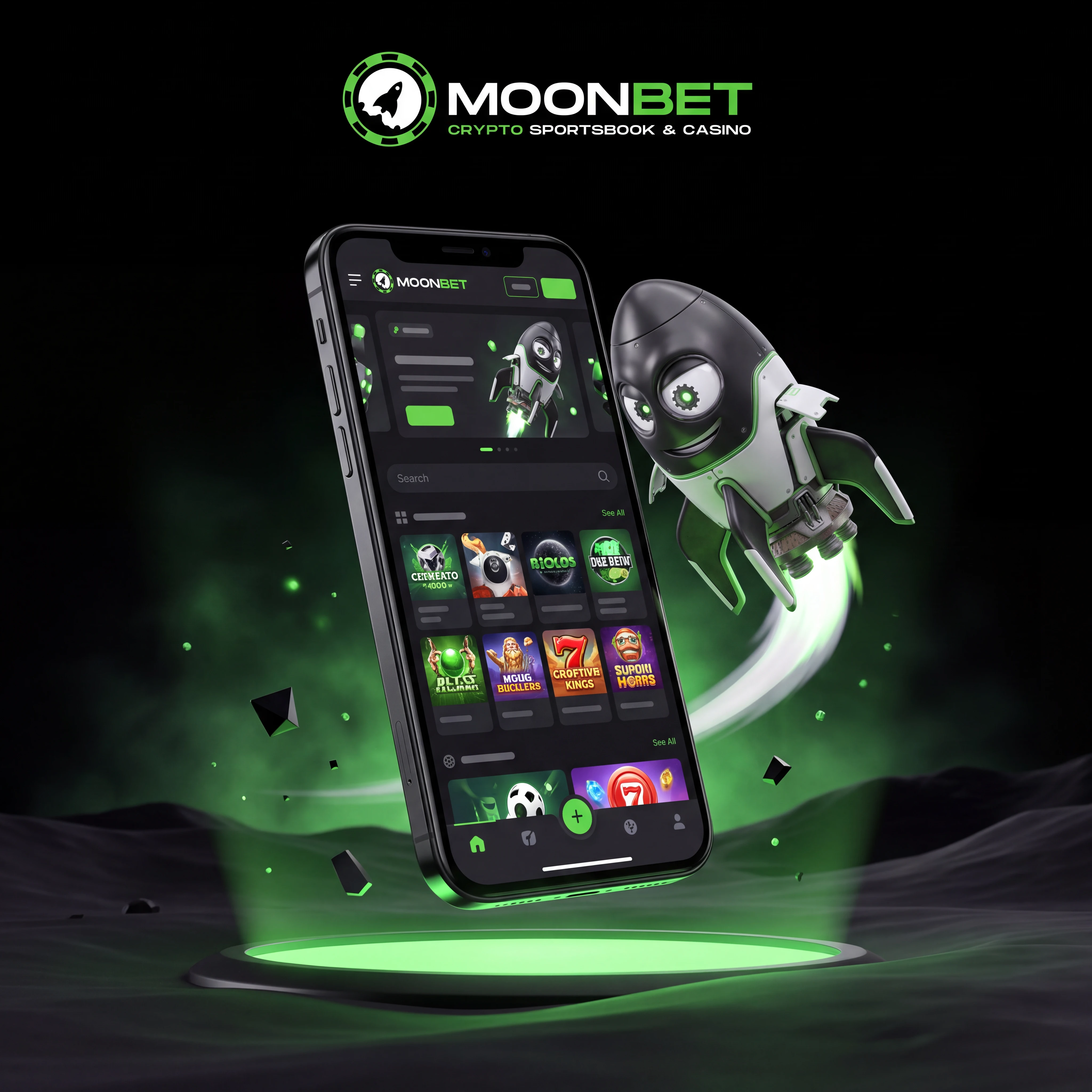
Portrait mode suits slots, Mines, Dice and Plinko. Landscape mode gives live blackjack, roulette and baccarat more room for video and bet controls. Close unused tabs, keep the operating system current and use a stable connection before confirming a crypto withdrawal.
Protect Wallet Approvals on a Small Screen
Read the destination, network and amount before signing. Never approve a request that asks for unlimited access without a clear reason. Use biometric locking on the phone and wallet, and avoid saving account access on a shared device. For wallet connection and account security during setup, follow the Moonbet registration guide.
FAQ
No. Use a current browser and add the site to the home screen. The browser route keeps the account on the live web application.
Yes. Open the site in Safari, tap Share, choose Add to Home Screen and confirm the shortcut.
Yes. Use the same account or reconnect the same wallet to see the associated balance and history.
Slots and compact originals such as Plinko, Mines and Dice generally fit portrait play well.
Yes. Check the destination address, coin, network, live minimum and network fee before signing the request.
Mobile wallets process connection and transaction signatures in their own secure interface, then return you to the browser.
Use the 24/7 live-chat control or email [email protected].